

Student guide
Students in enabled grades (currently G4–G6) can sign in with their login card
1First sign-in
- Get your student login card from the homeroom teacher (username + first password)
- Sign in → you must set a new password (8+ characters, letters and numbers)
- Forgot it? Ask your homeroom teacher for a new one
2Timetable, attendance & results
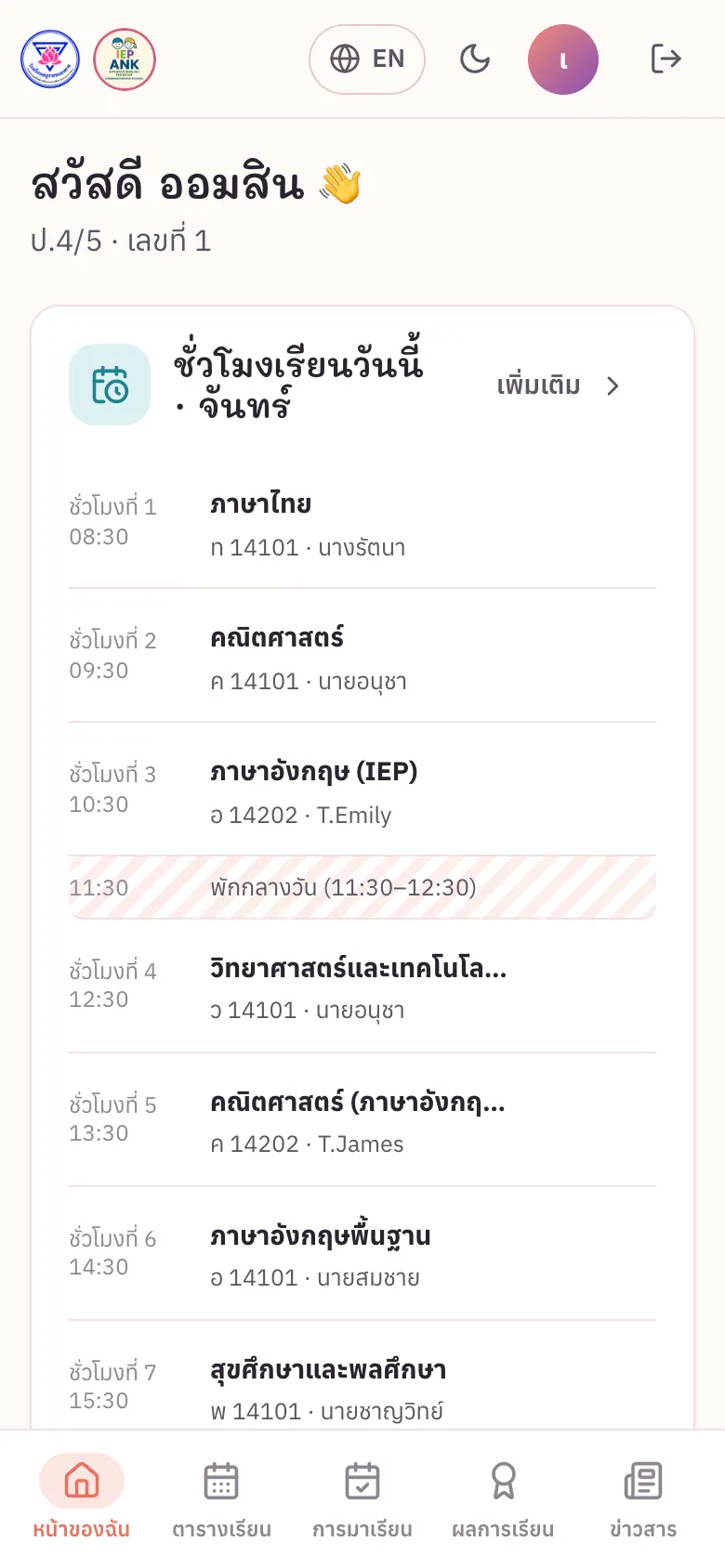
- Home: today’s periods · menus Timetable, Attendance, Results
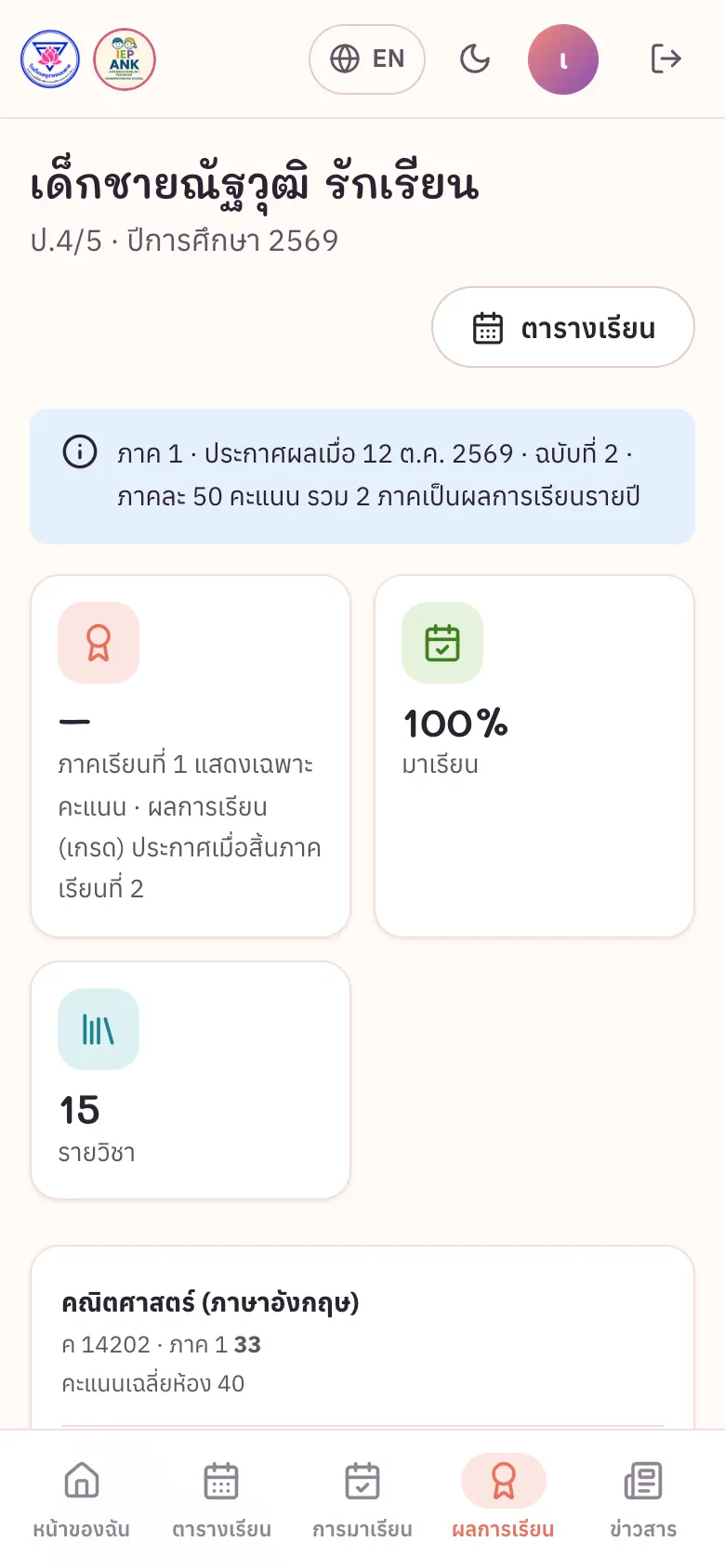
- Results appear only after they are released

Need help? Contact the homeroom teacher